

Azure App Service
Learn how to easily sync environment variables to Azure App Service.
This guide is designed to get you set up with deploying your secrets to Azure App Service. We assume you already have some code deployed on Azure App Service.
Prerequisites
- You have an account setup at Azure App Service and have deployed some code.
Authorization
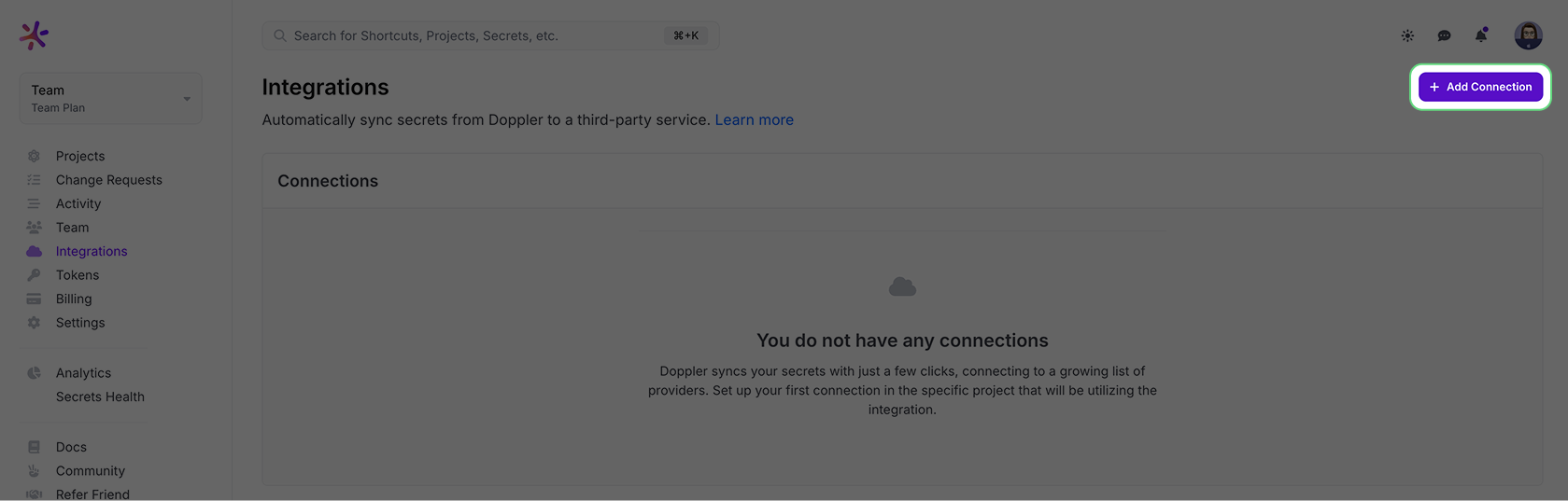
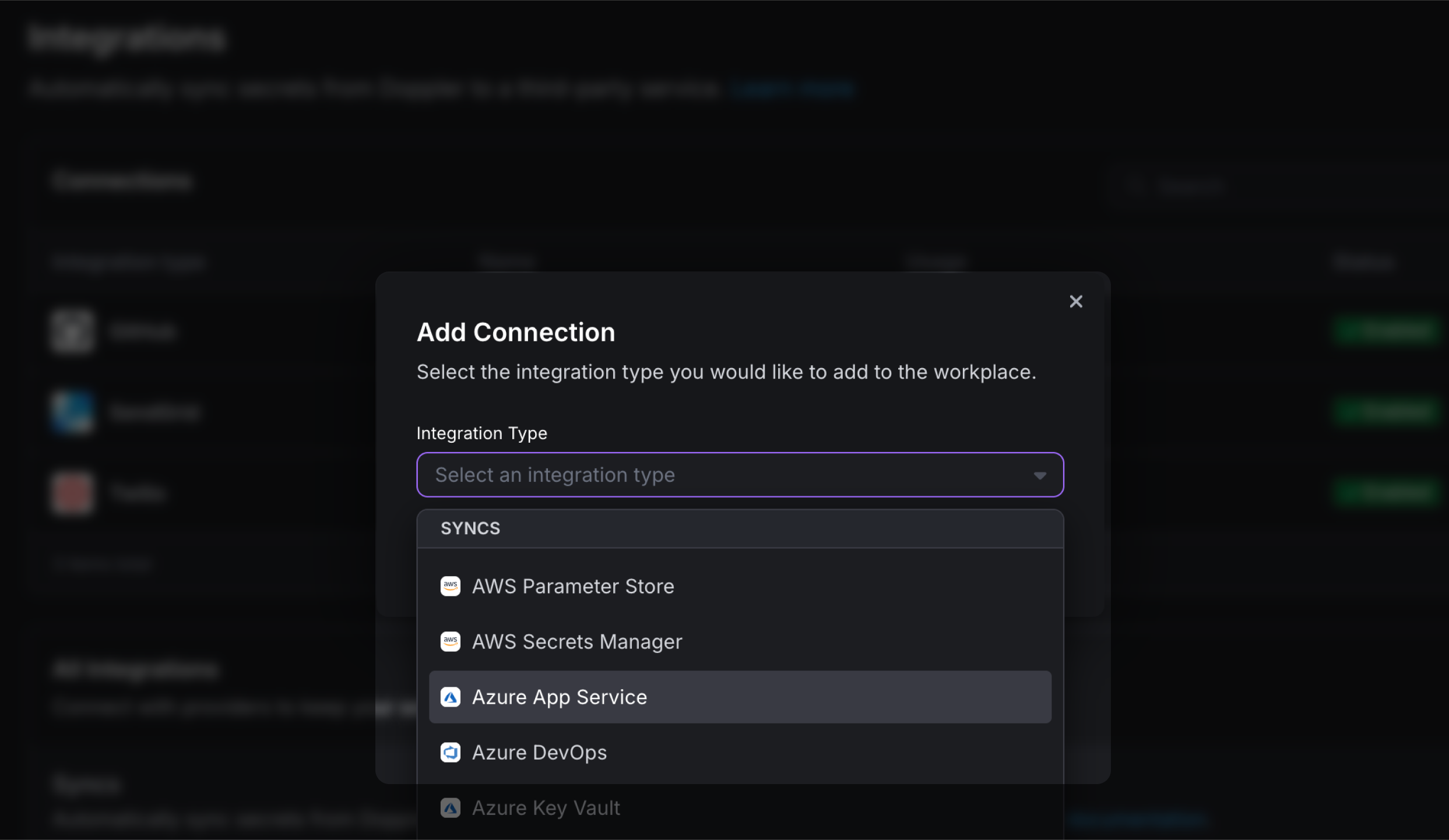
Navigate to the Integrations page from the main navigation, then click Add Connection and select Azure App Service from the dropdown to begin the authorization process.
We will redirect you to the Azure Portal to authorize Doppler to your account.
Click "Authorize" and you will be redirected back to Doppler. You have now successfully connected your Azure account with Doppler!
Configuration
In the next screen, you can select your App you would like to integrate with a specific Doppler config.
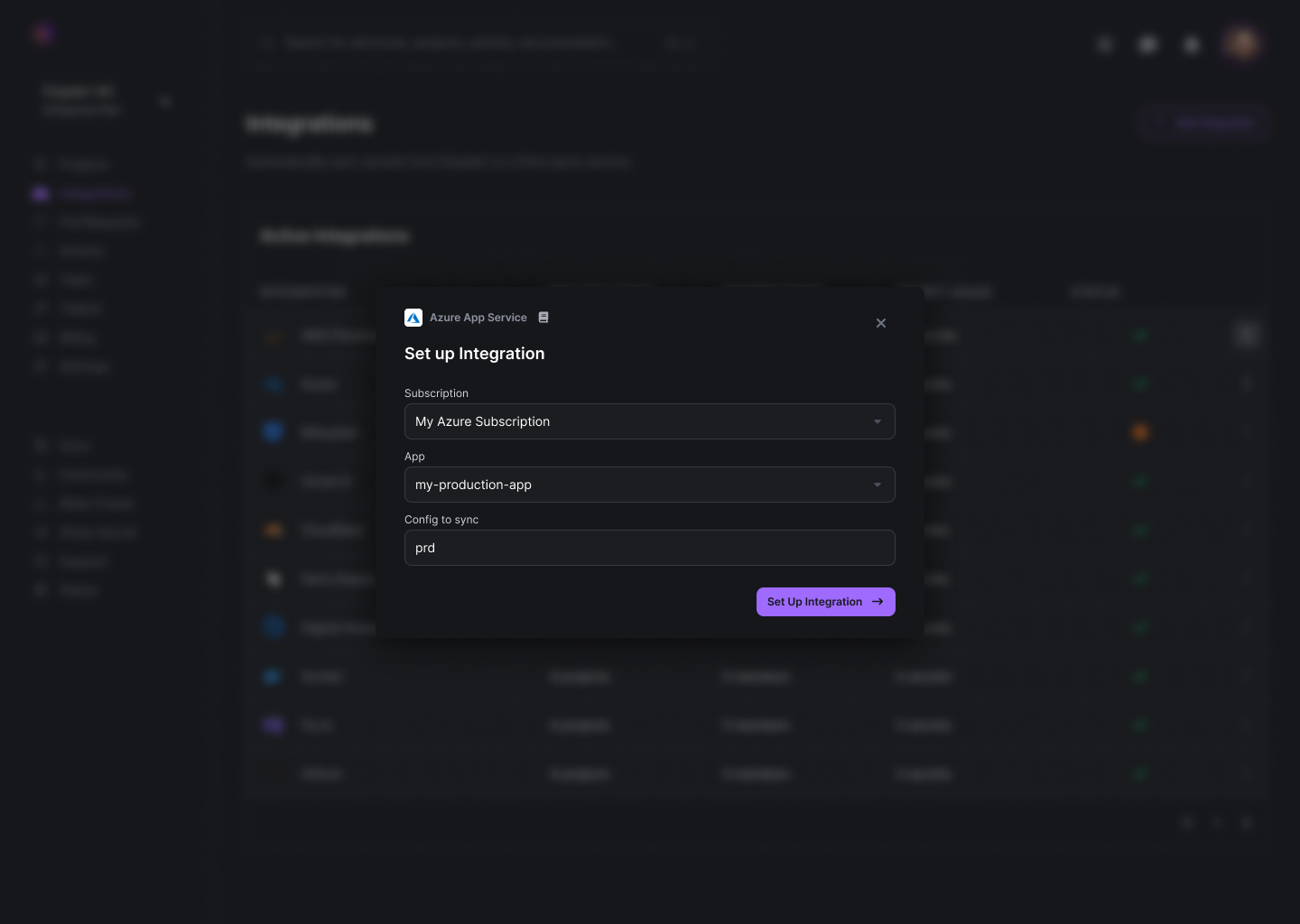
On the right side, first select the Azure subscription, then select what app you would like to integrate with your Doppler config. Hit "Setup Integration" and you are all set!
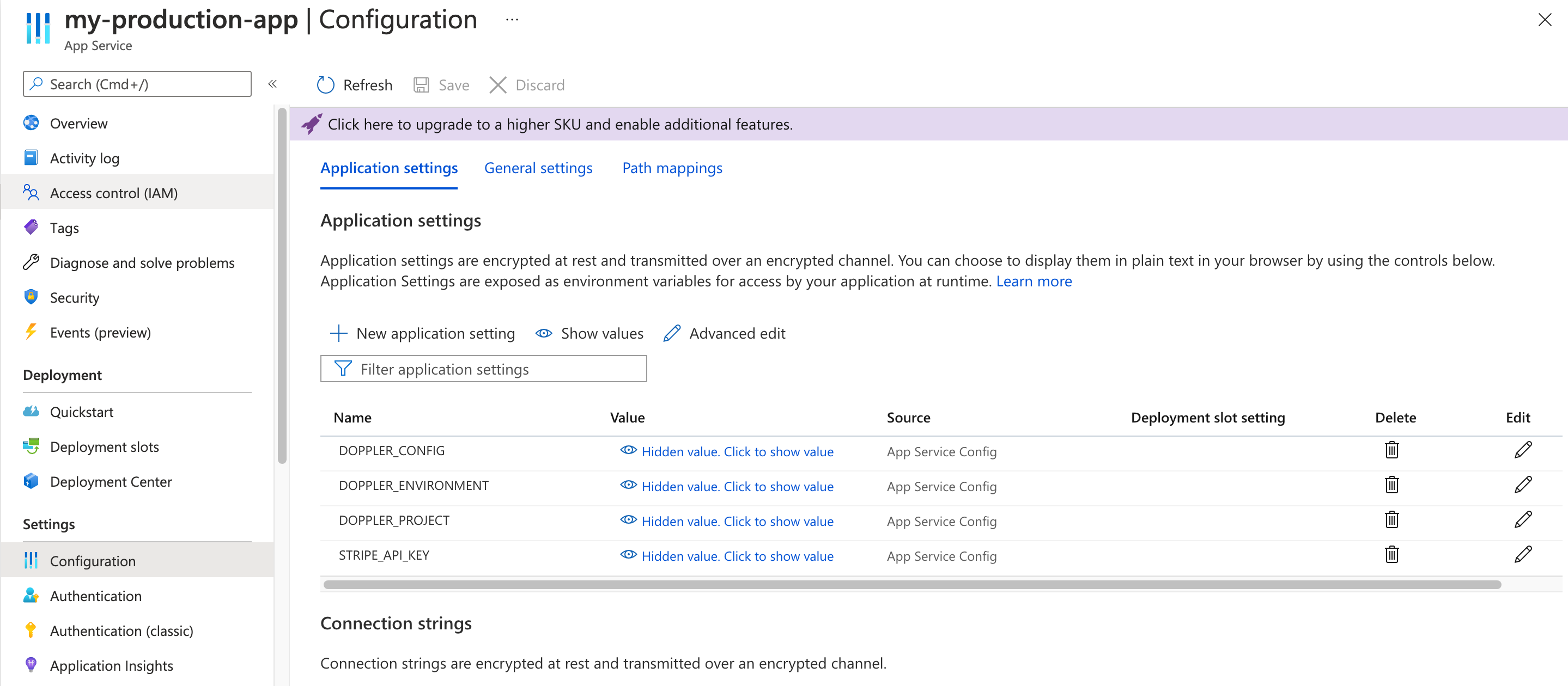
Click on the destination to view your secrets in the Azure Portal:
Updated 2 months ago